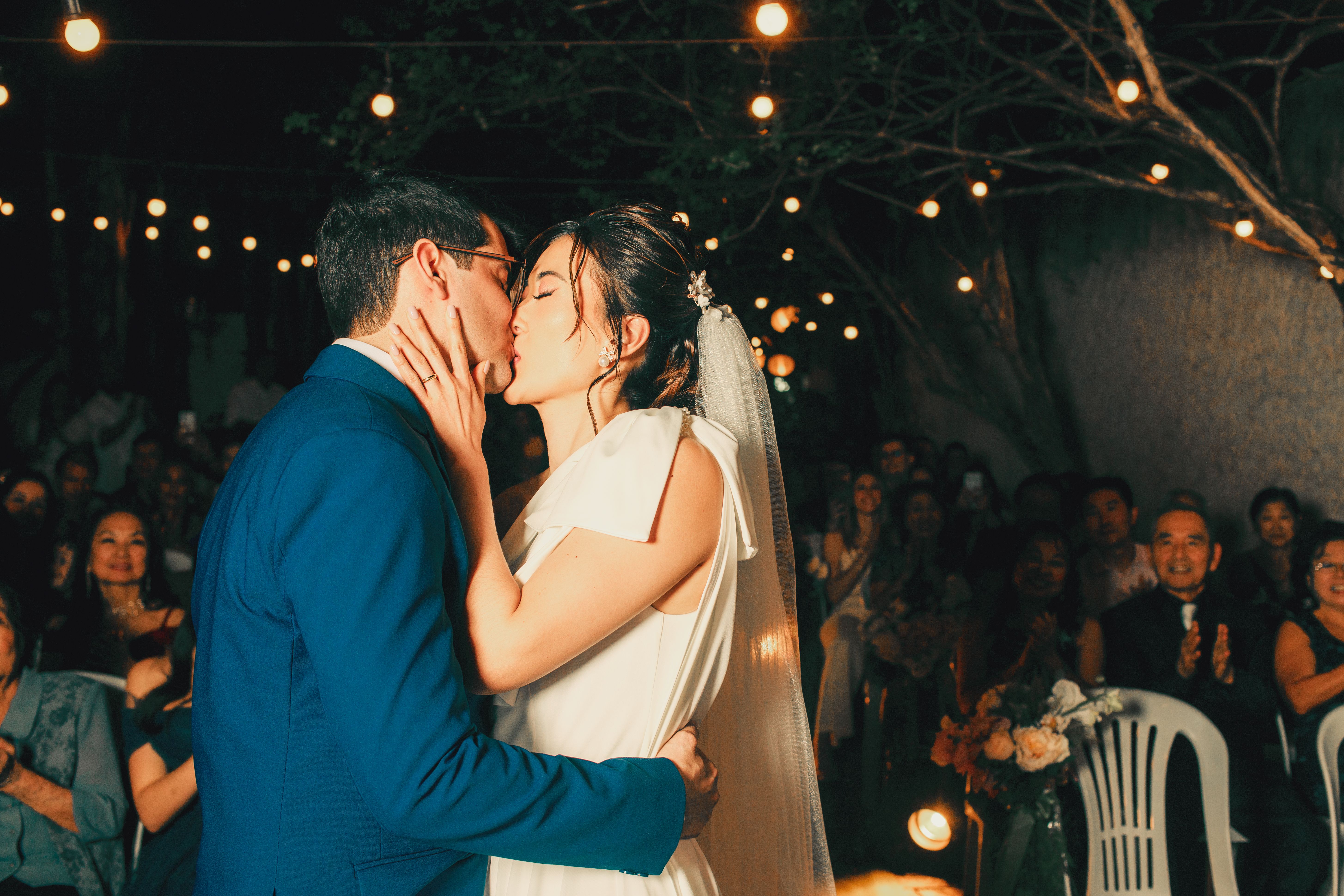
Your photographer will document the day beautifully. Your guests will capture something different: the breakfast nerves, the view from the last table, the blurry dance-floor masterpiece and the joke that happened while you were in another room. The hard part is not taking those photos. It is getting them out of dozens of camera rolls before everyone forgets.
Why the usual methods lose photos
Group chats are convenient for a handful of previews, but they become noisy during a wedding and often compress images. AirDrop only works for people standing near each other. Social media excludes private moments and guests who do not use the same platform. Asking everyone to send files after the wedding creates a job for both the couple and every guest.
A dedicated wedding gallery removes those small points of friction. There is one place to upload, one place to look, and one original collection to download later. The best setup should be obvious enough that a guest can understand it between ordering a drink and greeting the next person.
Set up the collection before the day
Create the shared gallery early and test it on both an iPhone and an Android phone. Open the guest link in a private browser window so you experience exactly what a guest will see. Upload a sample photo, confirm it appears, and download it again. A two-minute rehearsal is much better than troubleshooting beside the dance floor.
Give the gallery a recognisable event name. Then save the guest link and its QR code somewhere the planner, toastmaster or venue coordinator can reach. One person other than the couple should know how it works.
- Print a small card for the welcome table or seating plan.
- Add the link to the wedding website or digital invitation.
- Put a second QR code near the bar, guest book or photo booth.
- Keep the instruction short: ‘Scan to add your photos.’
Ask at the moments when guests already have their phones out
A QR code is only useful when people notice it. Mention the gallery briefly when guests arrive, include a line in the toastmaster’s practical information, and send the link once the next morning. Those three prompts cover early arrivals, evening guests and anyone who meant to upload later.
Avoid repeated announcements. The upload request should feel like an invitation to contribute, not a chore. Showing a live gallery or slideshow can help because guests immediately see that their perspective becomes part of the day’s shared story.
Field noteA useful message is: ‘If you take a photo you love tonight, scan the code and add it to our shared gallery—no app or account needed.’
What to do after the wedding
Leave the gallery open long enough for the morning-after uploads, then download the originals and make a second backup. Sort favourites only after the full collection is safe. You can share the gallery link in the thank-you message so guests can revisit the celebration without posting the album publicly.
The goal is not to replace professional photography. It is to preserve the candid layer around it. When the process is simple and private, guests contribute the small, personal moments that complete the record of the day.
Straight answers
Frequently asked questions
What is the easiest way to collect wedding photos from guests?
Use one mobile-friendly shared gallery that opens from a QR code or short link and does not require an app download or guest account.
Where should we display a wedding photo QR code?
Use it at the entrance and one place guests revisit, such as the bar, guest book or table plan. Include the same link in a next-day message.
Does a shared gallery replace a wedding photographer?
No. A photographer creates the considered visual record; guest uploads add candid angles and moments the photographer could not be present for.